/cipher-line
CIPHER-LINE.
A 256×64 yellow OLED above the keyboard. Four rows: a status strip, the CIPHER scrollback, and a contextual line. CIPHER renders here and nowhere else. The main display is for your work.
BAT 86% T:0000 IDLE TERM:?
bare deck ready.
awaiting cartridge.
The real thing
These are captures of the CIPHER-LINE running in the emulator, at the panel’s native aspect. Idle, mid-mission, and mid-edit. The status strip and contextual row carry the state; the scrollback carries the fragments.
What it is
A 3.12-inch SSD1322 yellow OLED, 256×64, mounted above the key plate. It renders four rows of 8×8 text, about thirty-two columns each. The Raspberry Pi Pico 2 coprocessor drives it over SPI0 and takes its cues from the primary processor across a UART link at 1 Mbps.
The four rows have fixed jobs. Row 1 is the status strip: battery, timer, mode, and the current TERM hint. Rows 2–3 are the CIPHER scrollback: the current fragment on top, the previous one dimmed below it as an echo. Row 4 is contextual: a captured seed, a mission timer, whatever the moment needs.
What CIPHER is
CIPHER is a firmware feature. The nOSh runtime, the same C-and-Lisp core that runs the mission board and the cartridges, composes short text fragments and prints them to this panel.
The fragments change with context. The runtime keeps a separate vocabulary for the bare deck, an active mission, and an editing session, then scrolls one line at a time across rows 2 and 3.
Why it’s separate
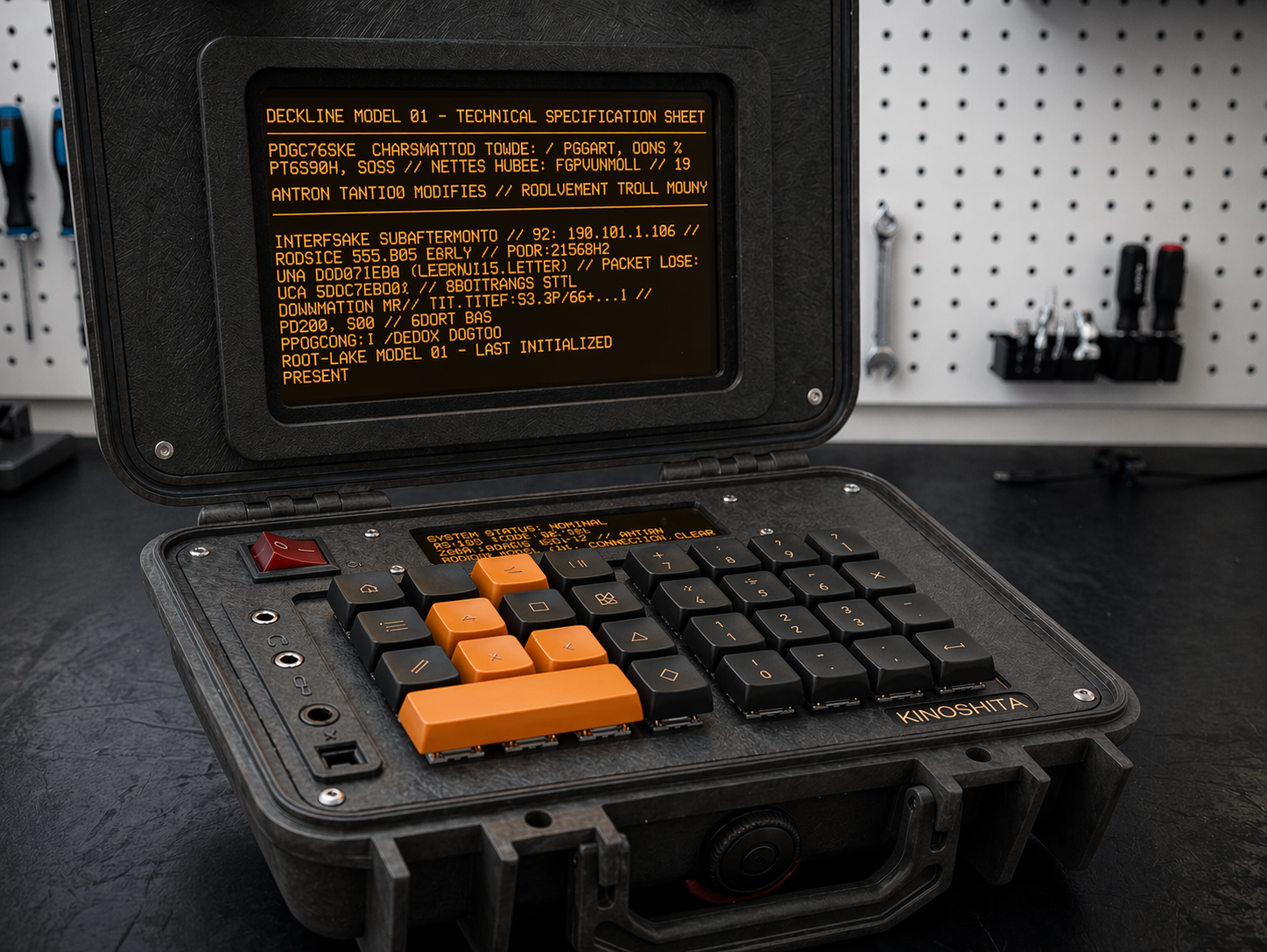
CIPHER is OLED-exclusive. It renders on the CIPHER-LINE and nowhere else. The primary 7-inch framebuffer (1024×600, amber on black) carries cartridge content plus the firmware status and action rows, and nothing else. No CIPHER glyphs reach the main display. The runtime enforces this.
Two surfaces, two jobs. The main display is where you play and program; the CIPHER-LINE carries CIPHER. They stay out of each other’s way.
Two processors
The Raspberry Pi Zero 2 W runs the nOSh runtime, the mission board, and your cartridge code. A Raspberry Pi Pico 2 (RP2350) coprocessor handles realtime I/O: it drives the CIPHER-LINE OLED over SPI and synthesizes the YM2149 audio, taking commands from the Pi over UART. Splitting the work means the OLED never stutters when the runtime is busy.
Watch the build
Build-log dispatches go deep on the OLED, the runtime that drives it, and the choice to keep it on its own surface. Weekly, on Friday.
▶ Get dispatches